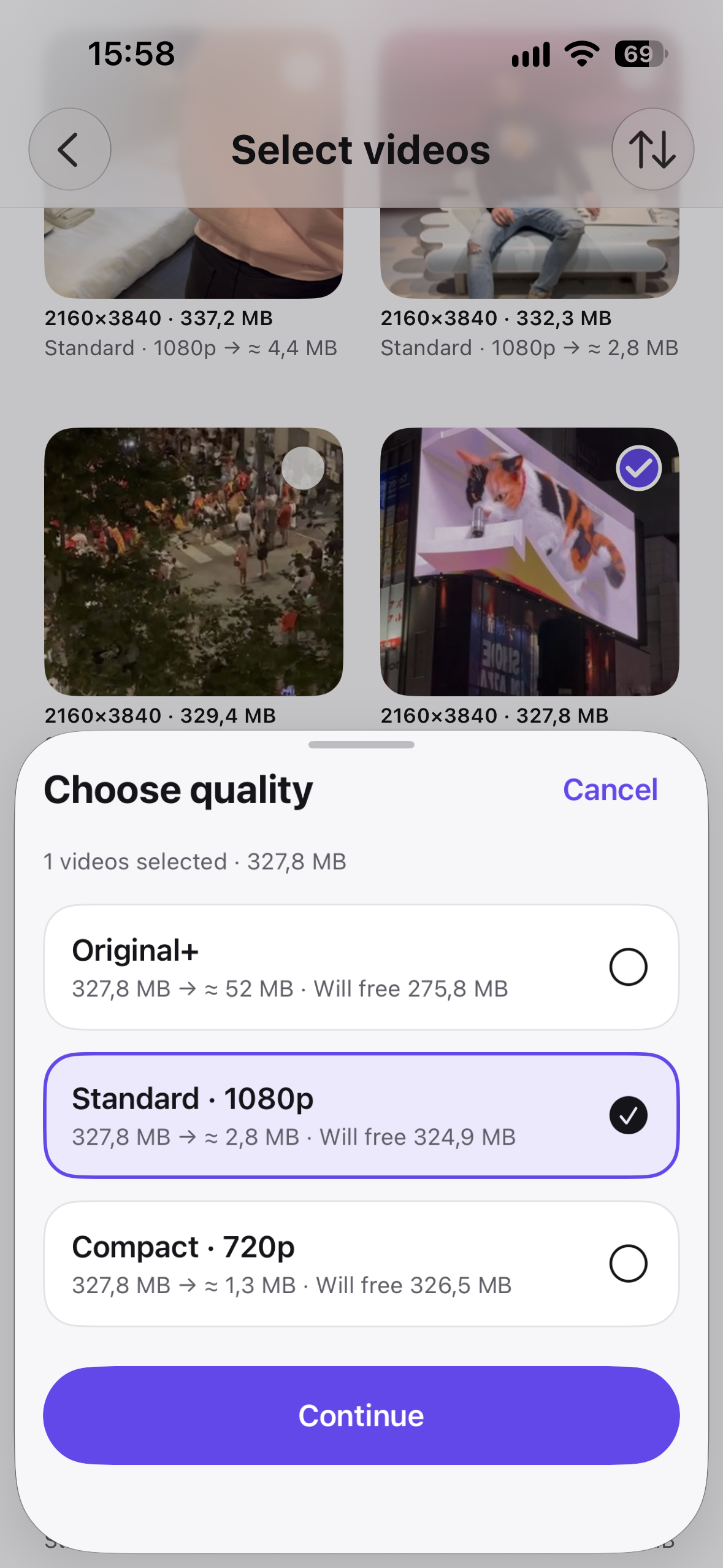
Choose your media
Select videos or photos from your library.
Nemeo gives your iPhone room to breathe — optimizing heavy videos and photos without uploading your media to Nemeo servers.
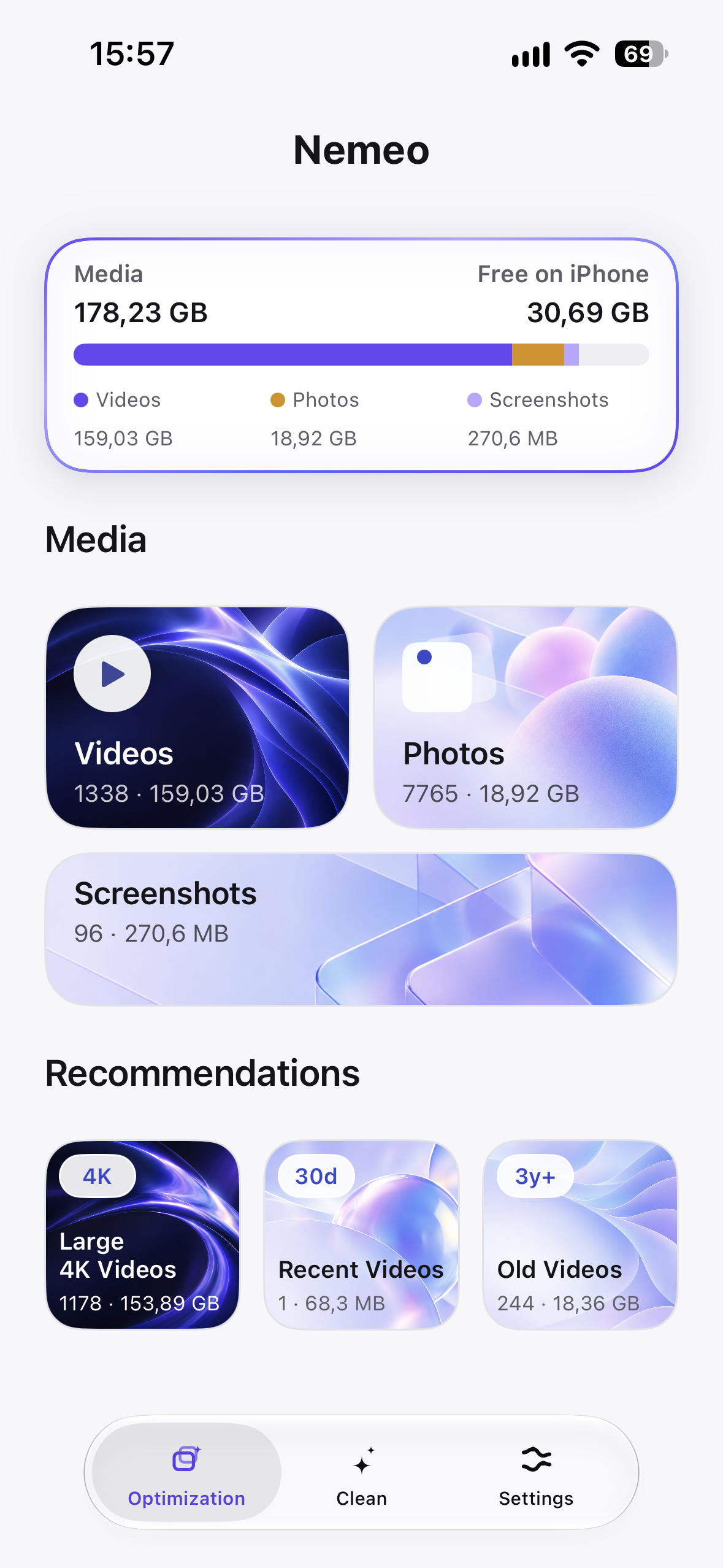
See the real product screens before you decide to make space.
Select videos or photos from your library.
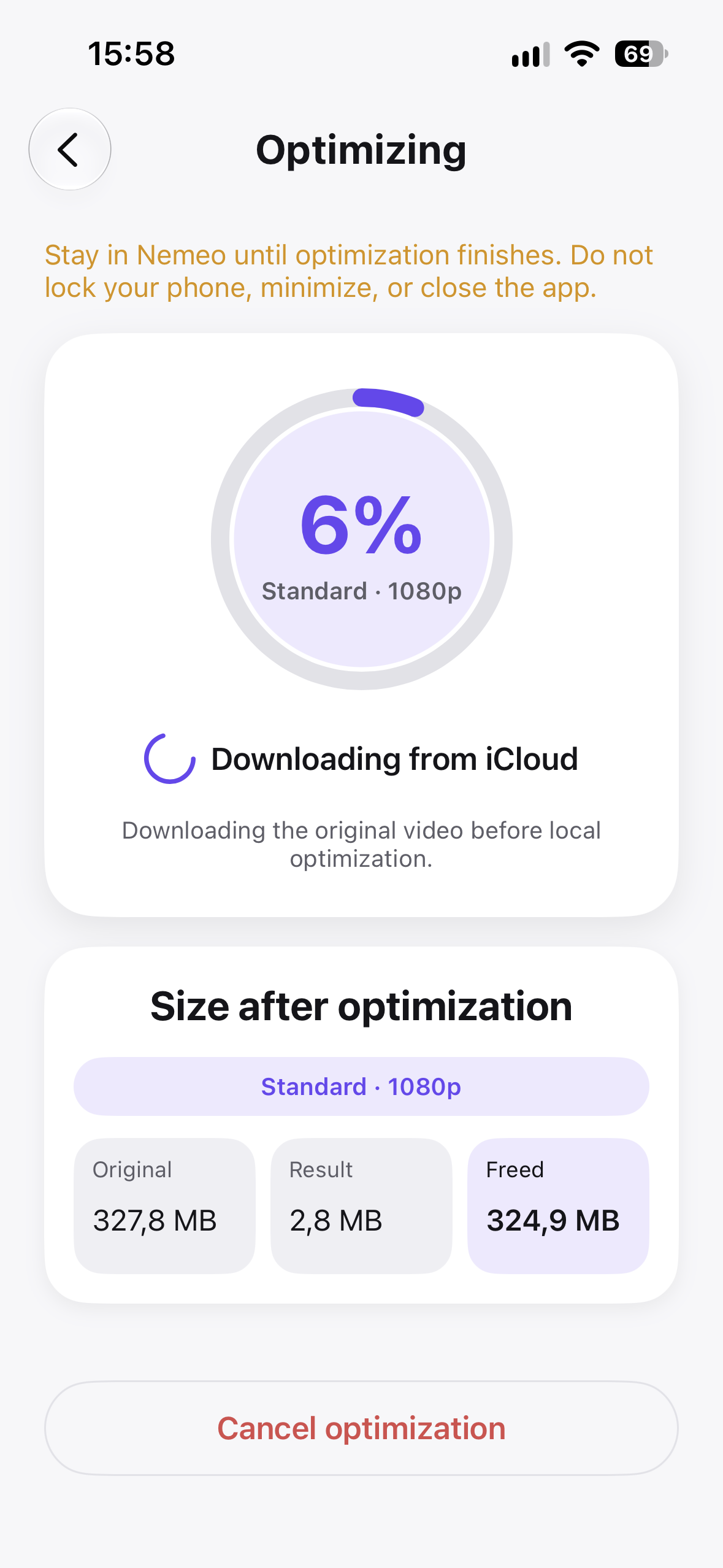
Keep progress, quality, and expected savings visible.
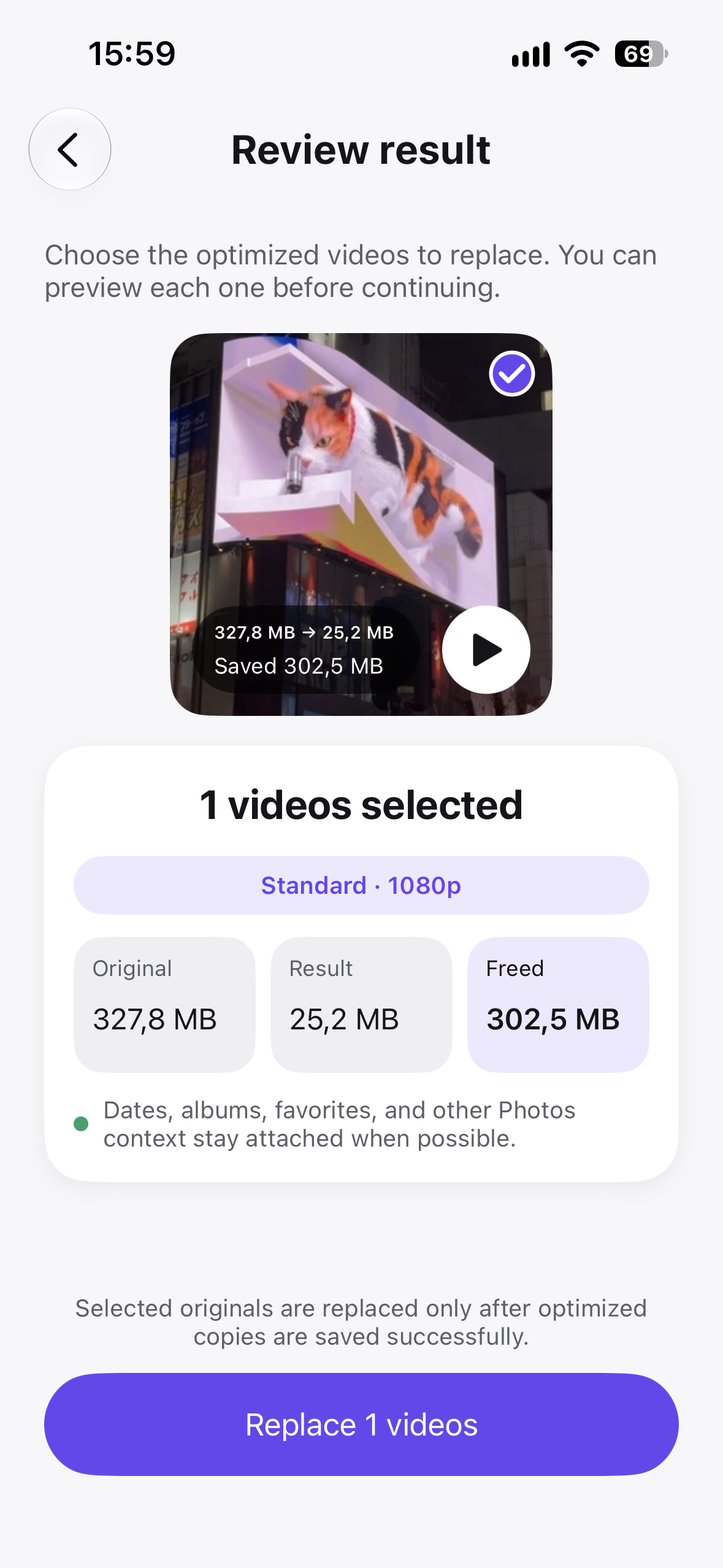
Replace originals only after the optimized copies are saved.
No. Media processing happens locally on your iPhone. Nemeo does not upload your personal media to a server.
Yes. Nemeo shows an estimated optimized size and expected savings before you start.
Your originals stay unchanged while processing. You remain in control of the final result.
Yes. Nemeo supports separate, purpose-built optimization flows for photos and videos.

Compress videos, not memories — with the same calm, clear flow shown above.
 Download on theApp Store